Getting an Old Swisscom TV Box to Work with Jellyfin

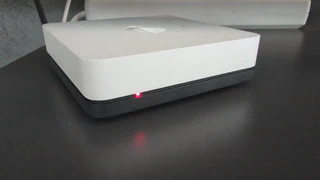
I have an old Swisscom TV box that I wanted to use as a Jellyfin client. What should have been a simple project turned into a frustrating debugging session.
The Problem
The box simply couldn’t connect to my Jellyfin server. The frustrating part: No error message. Just nothing.
My setup: Jellyfin runs on a public server in Docker, with Nginx Proxy Manager handling the certificates.
I tried everything:
- Different URLs
- Direct connection via public IP
- Various Jellyfin settings
Nothing worked.
Searching for a Solution
There’s barely any information about this problem online. I searched for a long time and was about to give up.
Then I finally stumbled upon a small forum post that mentioned ECDSA certificates as a possible cause. Old devices like the Swisscom TV box often have SSL libraries that are simply too old for modern ECDSA certificates.
The Solution
So I had to switch from ECDSA to RSA. My first thought: I can probably change this in Nginx Proxy Manager.
Unfortunately not. This feature wasn’t implemented in the UI.
But: Since Certbot runs inside the container, I could do it directly there. The solution was to manually generate an RSA certificate instead of using the automatic ECDSA certificate.
After the switch: Everything works perfectly.
Conclusion
Sometimes the most obscure problems hold you up the longest. No error message, barely any documentation online, and the solution is hidden in a small forum post.
If anyone has the same problem: Check your certificates. Old hardware and ECDSA often don’t get along.
